I built a custom CMS in Laravel and Filament, with the public site in the same app. Pages are made of fixed blocks, a draft is always separate from what’s live, AI translations stay drafts until someone reviews them, and the old site moves over with a 301 for every address that changed.
01 The setup
For a tour operator running city tours in several cities, I built a custom CMS: an admin for the editorial team and a public site in eight languages, with Dutch as the source language. The previous site ran on a hosted website builder.
With a custom CMS you decide how a page is put together, who can change what, and what happens between saving and going online. Below are the choices I made, and why.
02 One app, no separate frontend
The admin is Filament, an admin panel for Laravel. The public site is plain server-rendered HTML (Blade) in the same Laravel app. There’s no separate frontend and no API in between.
I considered Next.js and Inertia with React and dropped both. For a content site, a JavaScript framework adds weight without the visitor or Google getting anything for it. A separate frontend would also have to draw every block twice: once for the site and once for the preview in the CMS.
Now there’s one renderer. The preview an editor opens is the same code as the live page, so what you see is what goes online.
03 Blocks instead of free formatting
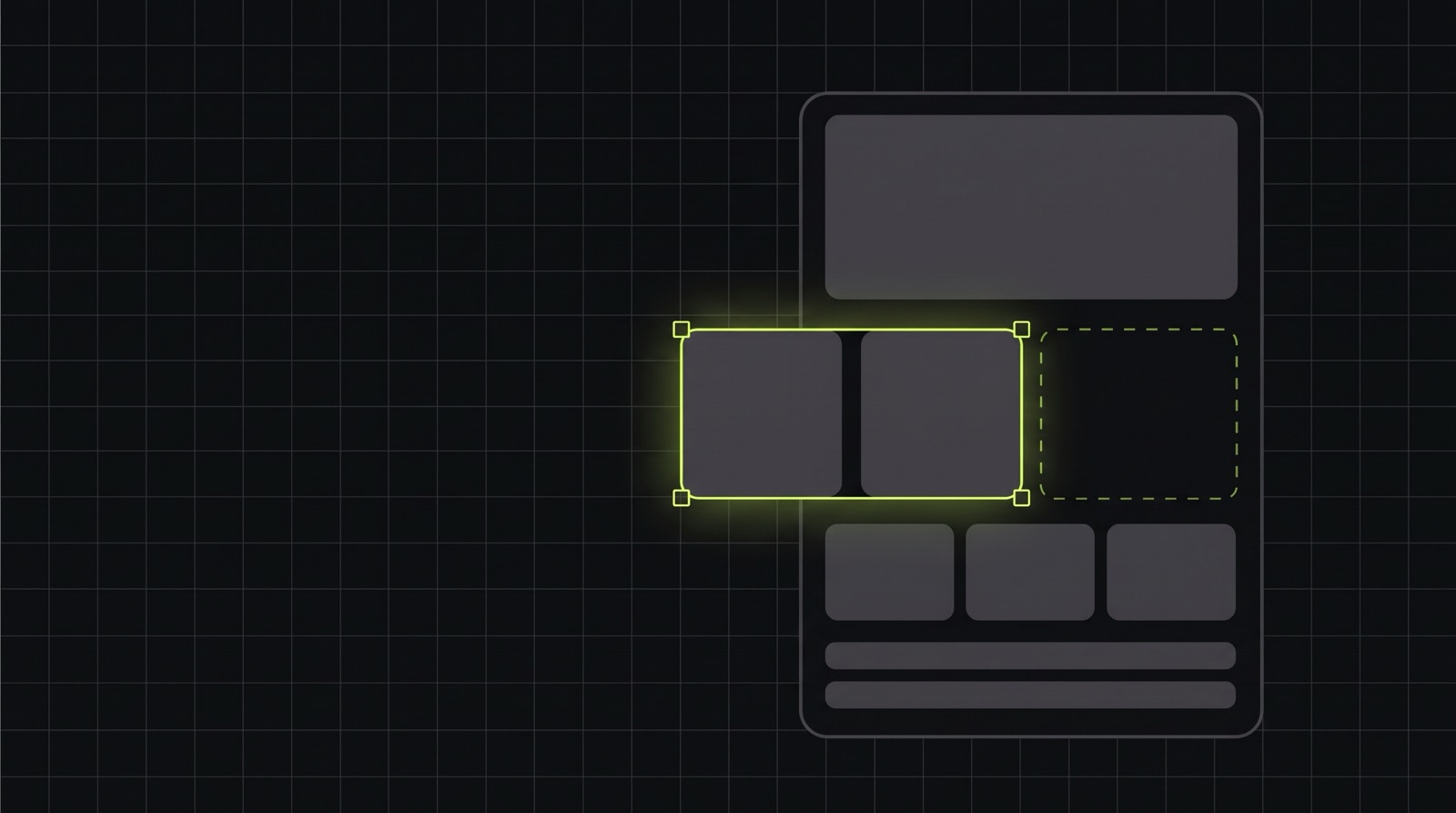
A page is a list of blocks: a hero, text with an image, a gallery, a tour grid, FAQ, a booking block, a map and so on. There are seventeen, defined in one configuration file that drives both the form in the admin and the output on the site.
So editors don’t pick fonts or colours. That sounds like a limitation, but it’s what keeps the site consistent across eight languages.
The structure of a page is shared between languages. A block has the same id in every language, and a translator only changes text. A German page can’t quietly miss a block that exists in Dutch.
04 Draft and live are separate
Every translation of a page has two versions of its content: the draft and what’s live. Editing only touches the draft. That includes the title, the URL and the SEO fields. A changed URL creates its 301 redirect at the moment of publishing, not while someone is still typing.
The status of a translation isn’t stored anywhere. It’s derived from the data: missing, draft, published, published with pending changes, or scheduled. There’s also a separate “stale” flag for translations whose Dutch source has changed since. A status you derive can’t drift away from the content.
If two editors work on the same page, the second one gets a warning instead of overwriting the first one’s work.
What an editor saves isn’t online yet.
05 Translated by AI, reviewed by a person
There are four roles: administrator, editor, translator and marketer. Permissions apply per language, so a French translator can’t touch the German pages.
An editor can have a page or tour translated from Dutch. That runs through the Claude API, in the background, with a daily limit. The result is always a draft that stays marked as machine translated until someone reviews it and ticks it off. The feature never publishes anything itself.
Only the translatable fields of that one page or tour are sent. Form submissions, users and media files stay where they are. The prompt gets the brand’s writing rules for each language, so the tone in French doesn’t differ from the Dutch.
A language only opens up for AI translation after a native speaker has confirmed the writing rules for it, such as the form of address.
06 Moving without breaking addresses
The old site has pages that have been in Google for years. So the move runs in fixed steps, each with its own command:
- An inventory built from the sitemap, with a decision per page: import, merge or drop.
- A dry run that shows what would happen and writes nothing.
- The import itself, which brings everything in as a draft. Anything already live in the CMS is left alone.
- A 301 redirect for every address that moved.
- A report that keeps failing while an old address has no destination or a redirect doesn’t end on an existing page.
Only when that report comes back clean can the domain be switched. The file with the decisions is deliberately something you can read and edit by hand. Which pages disappear isn’t a choice a script should make.
07 Write it down first, then build
Every change started as a short proposal: why it’s needed, what changes, and what it touches. Then came the tests, and only then the code. There are now more than a thousand automated tests, including one that guards the boundaries between the parts of the app.
That sounds like a lot of paperwork for a website. In a CMS everything is connected: a change to publishing touches the sitemap, the redirects and the translations. The proposal takes fifteen minutes and shows that up front.
08 Where a person still checks
An import takes over what was there, mistakes included. Translation errors from the old site come across as they are, and links in FAQ answers are dropped because that block deliberately holds plain text only. The report lists those cases, so editors know which pages to go through before they publish.
09 When a custom CMS makes sense
A custom CMS makes sense once your content has a shape of its own. Here that was tours with cities, times and a booking flow, which don’t fit well into “pages” and “posts”. The same goes when you publish in many languages with a real translation process, or when several people with different permissions work on the same site.
It doesn’t have to happen all at once. You start with the blocks and roles you need today, and extend it as the site grows.
Running into the limits of your current CMS? Describe what you use today and where it gets in the way, and I’ll look at what it would take.