Before you connect two systems, settle which one owns which data, choose between API, webhook and export on purpose, and make failures visible.
01 Start with ownership
When someone asks me to connect two systems, the request usually sounds like “can you make X talk to Y?”. The useful question comes before that: which system is the source of truth for which data? If both systems can edit the same customer, you’ll spend the next year resolving conflicts. Decide who owns what, then connect.
Decide who owns what, then connect.
02 API, webhook or export
There are three ways to move data, and they fit different jobs:
You ask
You request data, or tell the other system to act. It fits when you need an answer now, or want to pull on your own schedule.
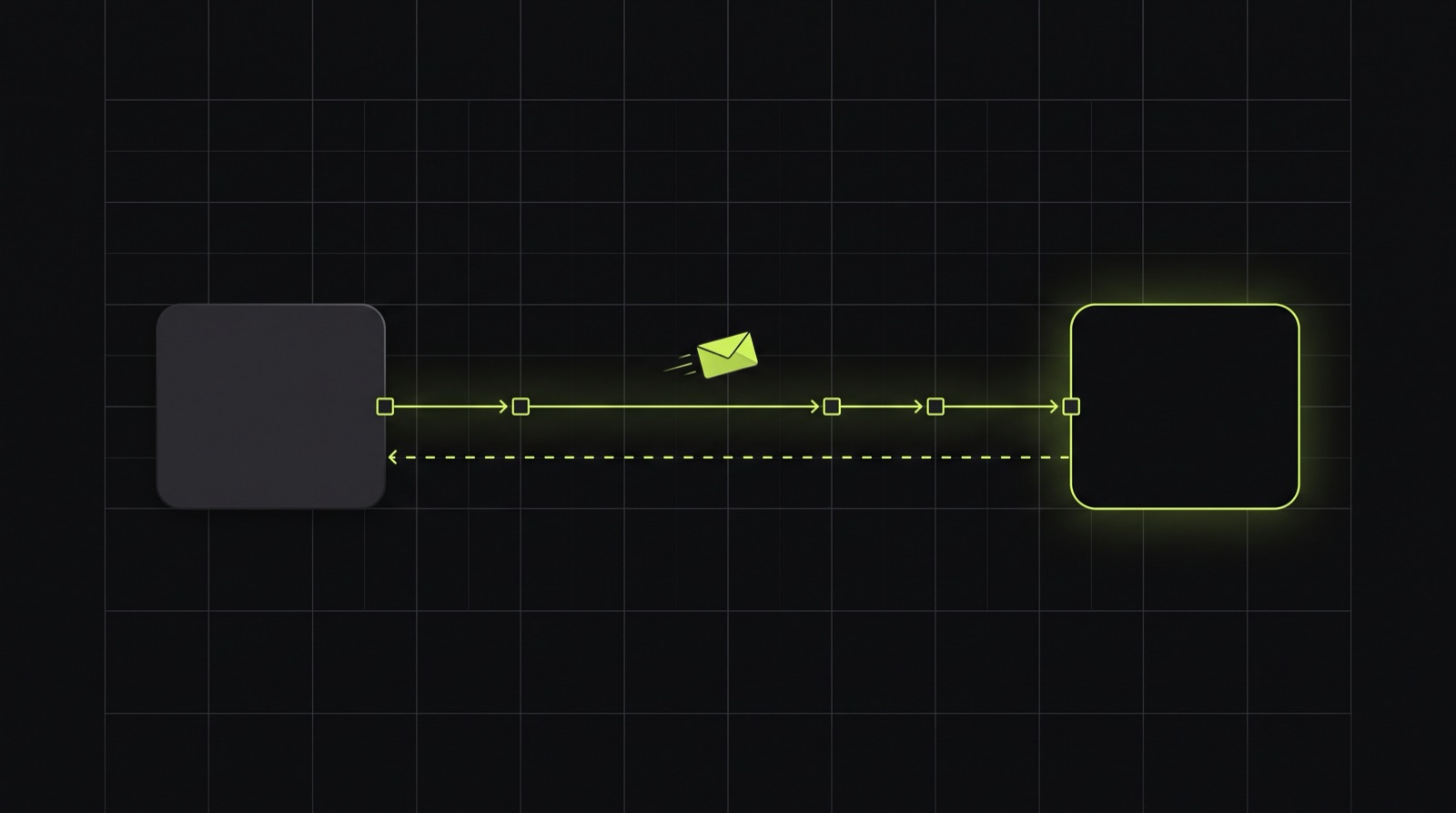
They tell you
The other system reports that something happened. It fits when you want to react quickly without checking every few minutes.
A file lands
CSV or XML: the old way, and sometimes the only option. Fine for a nightly batch, as long as someone notices when it doesn’t arrive.
Many integrations mix them: a webhook as the trigger, then an API call to fetch the full record.
03 Ready-made connector or custom build
A tool like Zapier or Make is often the right answer. If the flow is simple, the volume is low and a failure doesn’t cost much, use it and keep your money.
A custom integration starts to make sense when the logic has real rules, when you need to know exactly what happened to each record, or when the connector can’t reach the data you need. I’d rather tell you that in the first conversation than build something you don’t need.
04 What goes wrong in practice
- The other system is down or slow. Requests need retries with a pause in between, and a queue so one slow call doesn’t block everything else.
- The same event arrives twice. Webhooks get redelivered. The receiving side has to handle a repeat without creating a second order or contact.
- The data doesn’t fit. A field is empty, a format changed, or a status shows up that you didn’t know existed. Decide what happens then, before it happens.
- Nobody notices. The quiet failure is the expensive one. A sync that stops on Tuesday and gets noticed at month-end costs far more than one that raised an alert on Tuesday.
05 Keep what came in
In a lead-handling platform I built, leads arrived from forms, ads and marketing tools. When the same person submitted again, the easy option was to drop the duplicate. I kept every source event and tied them to the same person instead. Sales could see the whole history, and nothing disappeared because a rule decided it was a duplicate.
Storing the original payload costs very little, and it makes the question “why did this record change?” a lot easier to answer a month later.
06 Questions to ask before you start
If you can answer those, the technical part is straightforward. If you can’t yet, that’s the first thing to work out together.
- Which system owns which data?
- What should happen when the other side is unavailable for an hour? For a day?
- How will you find out when something fails, and who gets the message?
- Can you see what was sent and received for one record, a month later?
- Who keeps the credentials, and who renews them?