I replaced Google Vision with a small self-hosted face-counting service for a tour platform. It counts faces and identifies no one, keeps the photos on the server, and never approves a check-in it couldn’t verify.
01 The setup
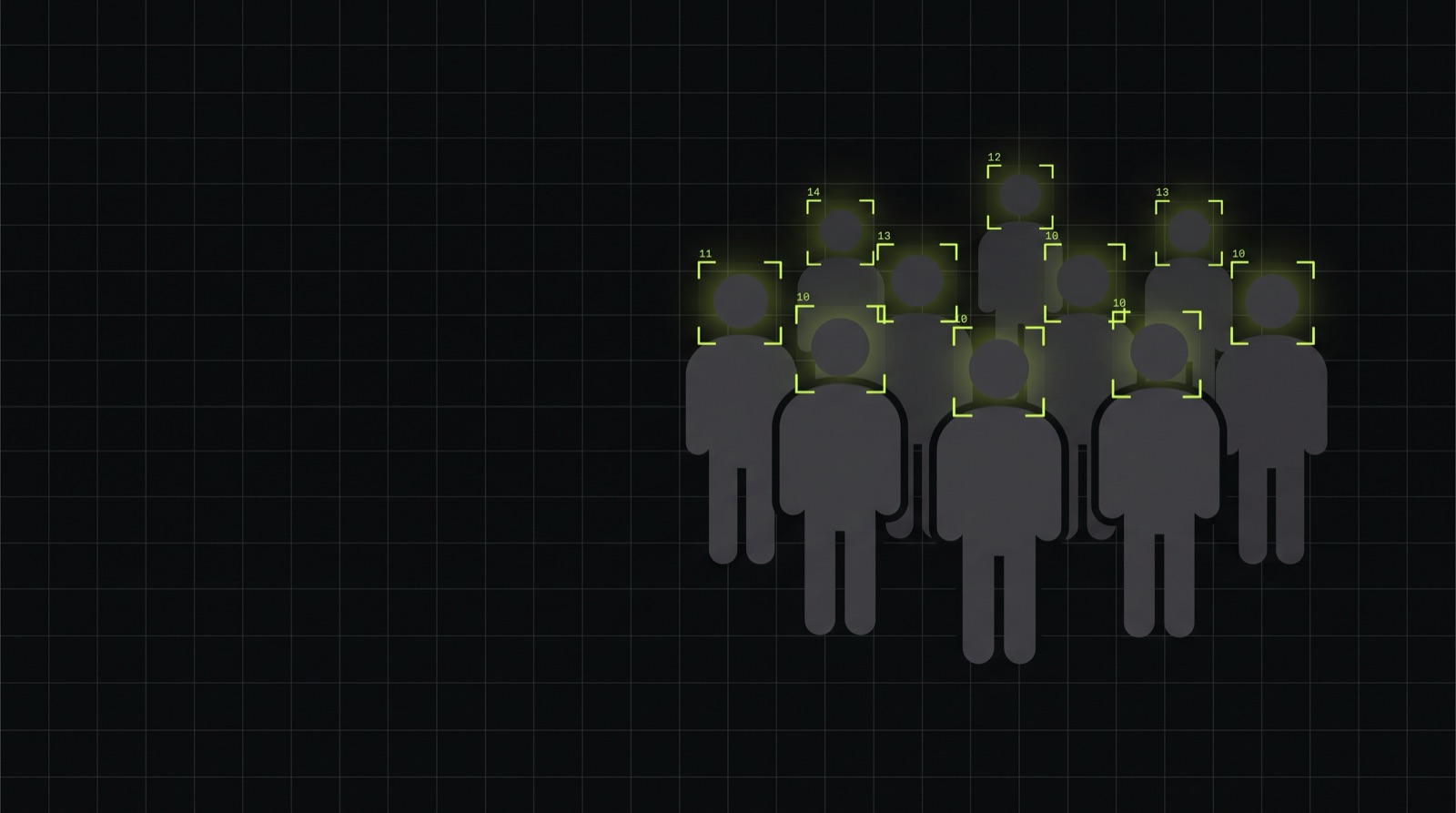
For a tour operator I built a platform where guides check in their group by uploading a photo. The guide reports how many adults and children are on the tour. The system counts the faces in the photo and compares the two numbers. If they match, the check-in goes through. If they don’t, the guide confirms or corrects the number, and a mismatch is flagged so a person can review it before commission is paid.
It counts faces. It doesn’t recognise anyone. That mattered from the first conversation, because the photos show guests who never agreed to be identified.
02 Why I dropped Google Vision
I started with Google Cloud Vision, but face detection isn’t available on its EU regional endpoint. That meant the photos would be processed outside the EU, and for photos of guests I didn’t want that as the default.
So I tried an open source detector, OpenCV’s YuNet, on a set of sample group photos. It matched or beat Vision on those, it runs on a normal CPU, and the photos never leave the server.
03 A small service next to the app
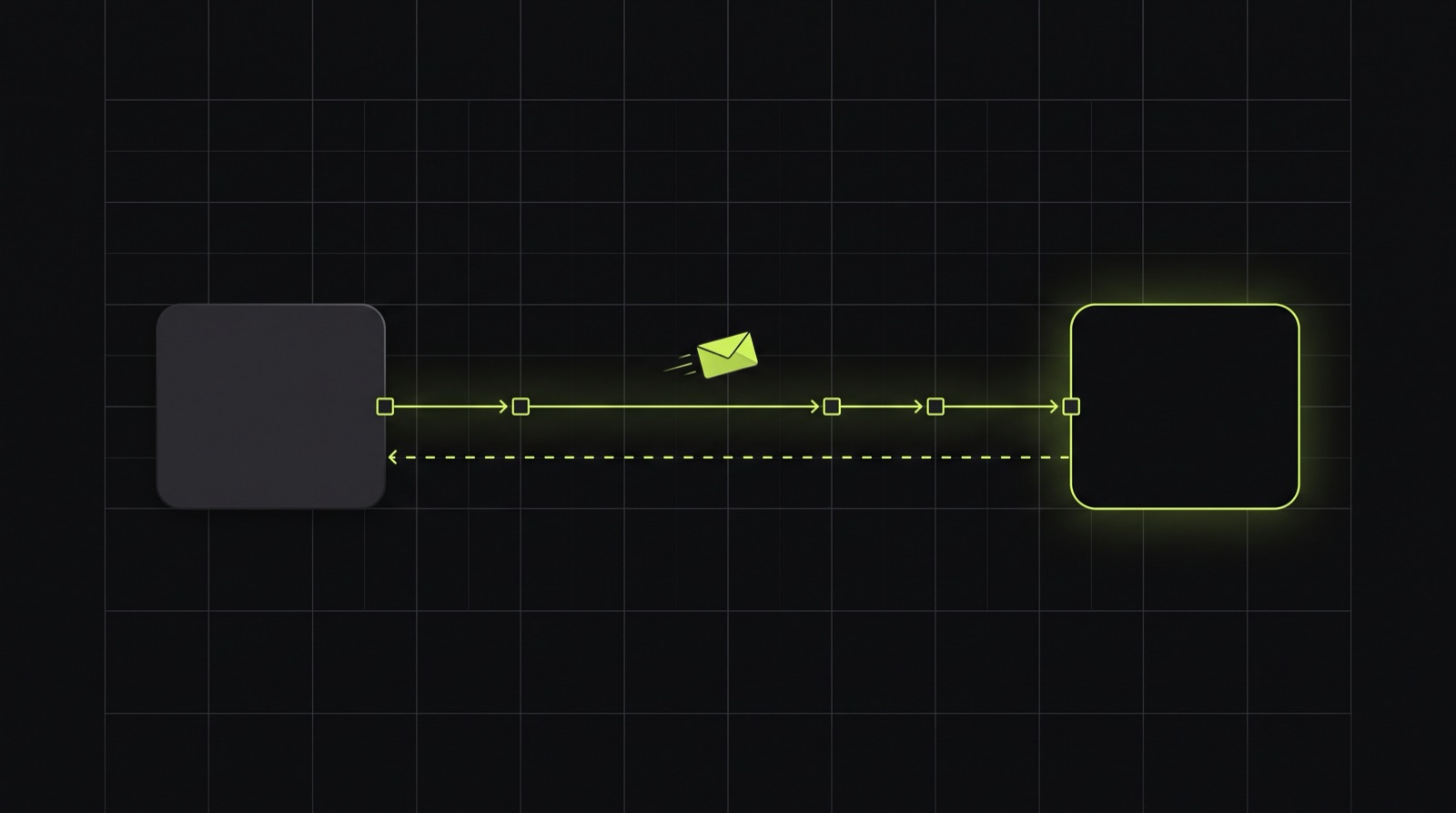
YuNet runs through OpenCV, which is Python territory. I didn’t want to fight a PHP extension on a server where it usually isn’t installed, so the detector lives in a small FastAPI service. Laravel sends it the photo over HTTP and gets a number back.
Laravel talks to it through the same interface the Google Vision version used. The check-in screen didn’t change. Swapping the detector meant changing one binding and a config value.
04 Keeping it safe to run
A service that accepts photos shouldn’t be reachable by anyone who finds the port. This is what I put around it:
- In production it only listens on localhost and it’s never exposed through the web server.
- Every request needs a shared secret from the Laravel app. Without it, the service answers 401.
- On startup the model file is checked against a stored checksum. If it doesn’t match, the service refuses to count.
- Uploads have a size limit, so one huge file can’t tie up the CPU.
05 When it fails, it fails visibly
If the service is down, slow or overloaded, the guide sees an error. The system never counts a match it didn’t verify. Commission depends on this number, so approving quietly would defeat the point. A manual report option stays available as a fallback.
No verified match, no approval.
06 What a load test taught me
I wrote a small stress script that sends many check-ins at the service at once, like a lot of guides finishing their tours at the same time. My first idea was to start more worker processes. With the default settings that made it slower: every worker also started a pile of threads, and they all fought over the same CPU cores.
Giving each worker a single detection thread, and letting the number of processes decide the parallelism, fixed it. I wouldn’t have found that by reading code. I needed the test.
07 What it can’t do
A crowded photo with faces turned away will undercount, and the system compares exact numbers. I didn’t add a tolerance, because I’d rather have a flagged case than a hidden margin. The guide gets a short hint on the photo step to have guests face the camera, and a mismatch is a normal outcome with a normal way to handle it.
08 If you’re considering something similar
With AI in a business process, the model gives an answer and the process has to decide what happens when that answer is wrong or missing. Design that part first. The model is rarely the hard part.